House of the Dying Sun

1.0 2.0 4.0
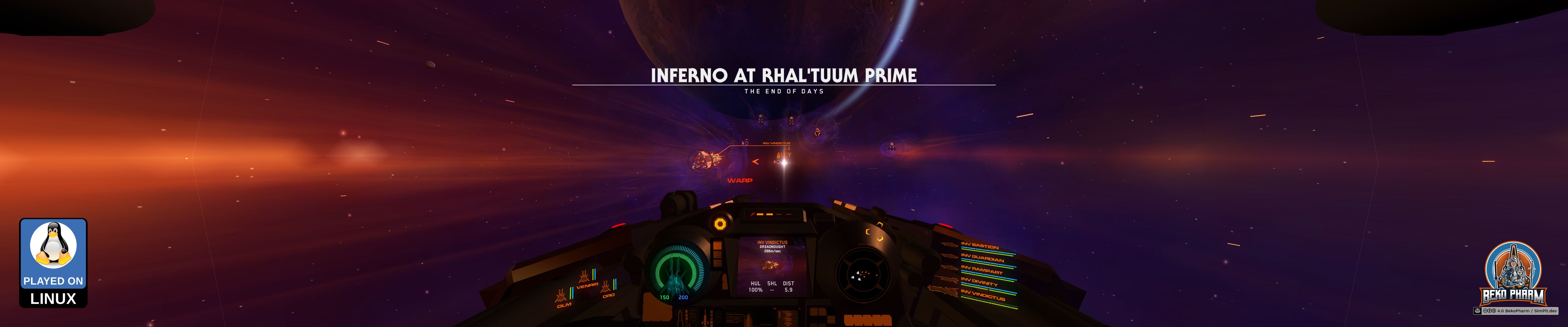
Entering a battle in House Of The Dying Sun

Primary Buffer Panel

I don’t think House Of The Dying Sun has any API to connect to at all. I never bothered. It’s fun but very very short. I’m also unsure if this game supports HOTAS or any joystick at all. House Of The Dying Sun supports HOTAS nowadays.

Head tracking works flawless.

There are a bunch of videos showcasing House Of The Dying Sun on my YouTube and PeerTube accounts.

Launch parameters

Like most games does this one also not detect a screen layout but only the primary display on a Linux PC so it won’t offer the maximum resolution possible e.g. with a triple head setup đŸ–Ĩī¸đŸ–Ĩī¸đŸ–Ĩī¸. This can be worked around in multiple ways, e.g. with configuring a virtual desktop in the WINEPREFIX, by adding a virtual monitor to the system or simply by making use of gamescope, the SteamOS session compositing window manager.

Here is an example how games may be started from Steam by adding the following commands to the start parameters (That’s basically the same for e.g. Lutris btw).

gamescope -h 1200 -w 5760 -H 1200 -W 5760 -b -e – %command%

This is not needed if only one monitor is used for gaming.

I love to play many games with my XR glasses in Side-By-Side mode where each eye is fed with a slightly different camera position resulting in 3D depth perception.

This is similar to VR but does not offer e.g. a backchannel for head tracking. Some games, like Elite Dangerous, support this natively. Other games can be forced into a SBS like mode with ReShade and a plugin like SuperDepth3D or Rendepth Reshade. In theory are Reshade shaders compatible with vkBasalt but the depth stuff is apparently exempt from this rule so that is not an option. The approach works nicely with Proton though.

The reshade-linux repo is very useful to get you started but the required steps can be done manually too, of course.

You will need gamescope on top though, because the output has usually to be rescaled or the display ratio is completely off. This also depends on the glasses. Mine do FULL SBS so a resolution of 3840x1080 is excepted in the end.

For Elite Dangerous the correct settings would e.g. be:

gamescope -h 2160 -w 3840 -H 1080 -W 3840 –scaler stretch -e – %command%

Other games may require slightly different settings here. This is an example for Ace Combat 7: Skies Unknown with Reshade and the SuperDepth3D shader:

WINEDLLOVERRIDES=“d3dcompiler_47=n;dxgi=n,b;” gamescope -h 1080 -w 1920 -H 1080 -W 3840 –scaler stretch -b -r 60 -e – %command%

YMMV but the general idea should work with almost any game.

This is no longer needed but I’ll leave it as an example how to remap a X52 joystick to a gamepad and starts the game in Steam.

SDL_GAMECONTROLLERCONFIG=“03000000a3060000620700001101000016991890,Logitech X52 Professional H.O.T.A.S.,platform:Linux,a:b2,b:b3,x:b4,y:b1,back:b9,start:b8,guide:b10,leftshoulder:b30,rightshoulder:b6,leftstick:b7,rightstick:b15,leftx:a0,lefty:a1,rightx:a5,righty:a2,lefttrigger:b0,righttrigger:b5,dpup:b19,dpleft:b22,dpdown:b21,dpright:b20,” %command%

Demo

That’s also one the the games that play great via our Steam Link on the 4K display in the living room 🤓
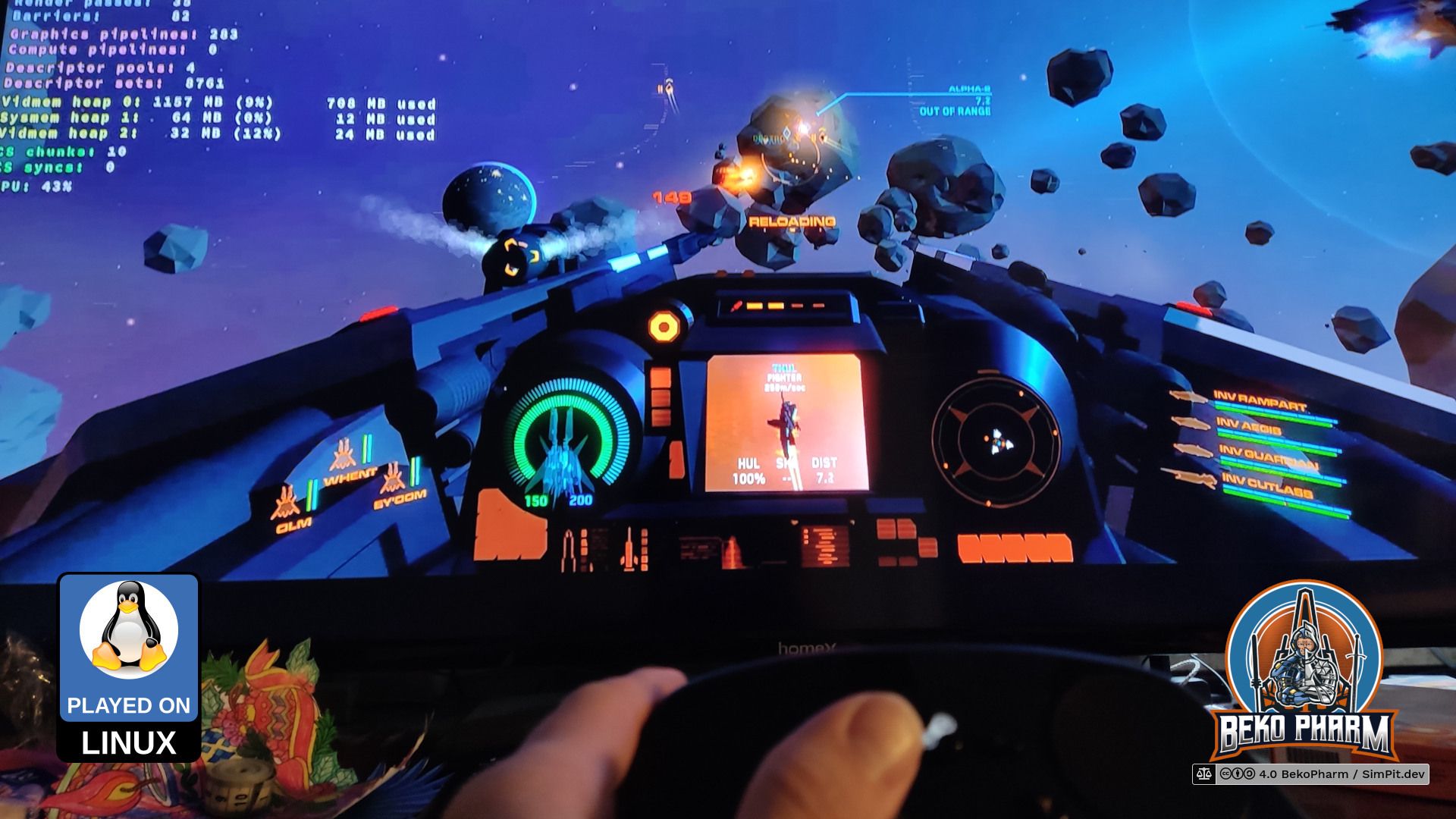
Playing House Of The Dying Sun with a Steam Controller via Steam Link